
Help centre
How to use Aureley
How can we help? Aureley is a text-to-speech app for iPhone, iPad and Android that reads your documents aloud. Here are the steps for the things people ask about most. For quick yes-or-no answers, see the FAQ.
Getting started with Aureley
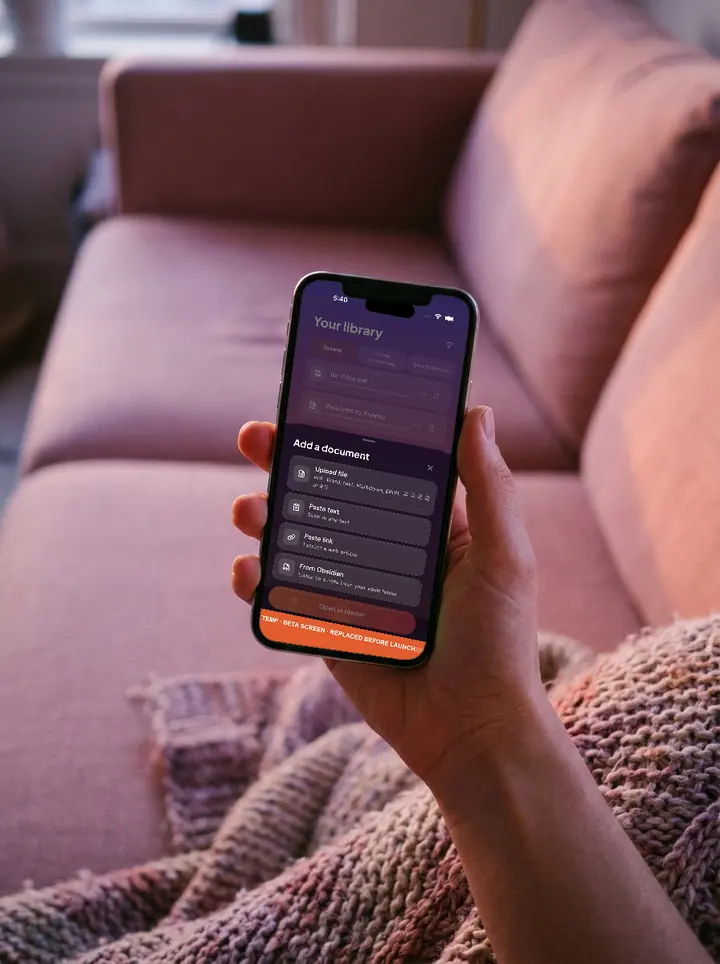
- Add your first document. In Aureley, add a PDF, Word file, EPUB, RTF, Markdown or text file, paste a web link, or paste text. You can also share a file to Aureley from another app on your phone or tablet.
- Press play. Aureley reads the document aloud and highlights each word as it is read, so you can follow along or just listen. New here? A "Welcome to Aureley" document is waiting in your library.
- Choose a voice. Pick one of the eleven studio-quality natural voices in the app, or use your built-in voice, the voice already built into your phone or tablet.
- What Aureley costs. Every plan starts with 7 days free. See plans and prices.
Your trial, plan and billing
- The trial. Seven days free, with 1 hour of natural voices, card required, and we email you before your trial ends. How the 7-day trial works.
- Does it renew? Yes. Your plan renews until you cancel. Read how renewal works.
- Bought on the website? Sign in to the app with the same Aureley account. Your plan belongs to your account, not to the phone or tablet you bought it on.
- Change your plan. Bought on the website? Change plans from your billing page. Bought in the app? Use your phone or tablet's subscription settings.
- Top up. If you want more natural-voice time, top up in the app. Top-ups never expire.
- Cancel. Cancel whenever you like. No phone call, and no one trying to talk you out of it. The steps for the website, iPhone, iPad and Android are in the FAQ.
Natural-voice hours and your built-in voice
- See your hours. Your natural-voice hours are shown at the top of the app. Starter includes 3 natural-voice hours a month, Plus 4 and Max 6. Your built-in voice is on top of that, with no cap.
- When your hours run out. Aureley carries on in your built-in voice, the voice already built into your phone or tablet, so the document keeps going. You won't be cut off in the middle of a document, or mid-month.
- Listen offline. Replay saved documents offline, anytime, no hours used.
Add, read and fix your documents
- What Aureley reads. PDFs, Word (.doc, .docx), EPUB, RTF, plain text, Markdown, web links and pasted text. Video links, such as YouTube, aren't read.
- What you won't hear. Page numbers, headers and footers on every page, and citation markers, stay out of the audio.
- Printed pages. Camera scanning of printed pages isn't ready yet, so add the document as a file, a link or pasted text.
- If a document won't open or reads oddly. Send us a screenshot and a line about what happened, and tell us which phone or tablet you use. We may ask for the file if we need it. Write to mail@solmedia.com.au.
Summary and Quiz
- Who gets them. Summary and Quiz are on Plus and Max. They work on the whole document, up to 60,000 characters.
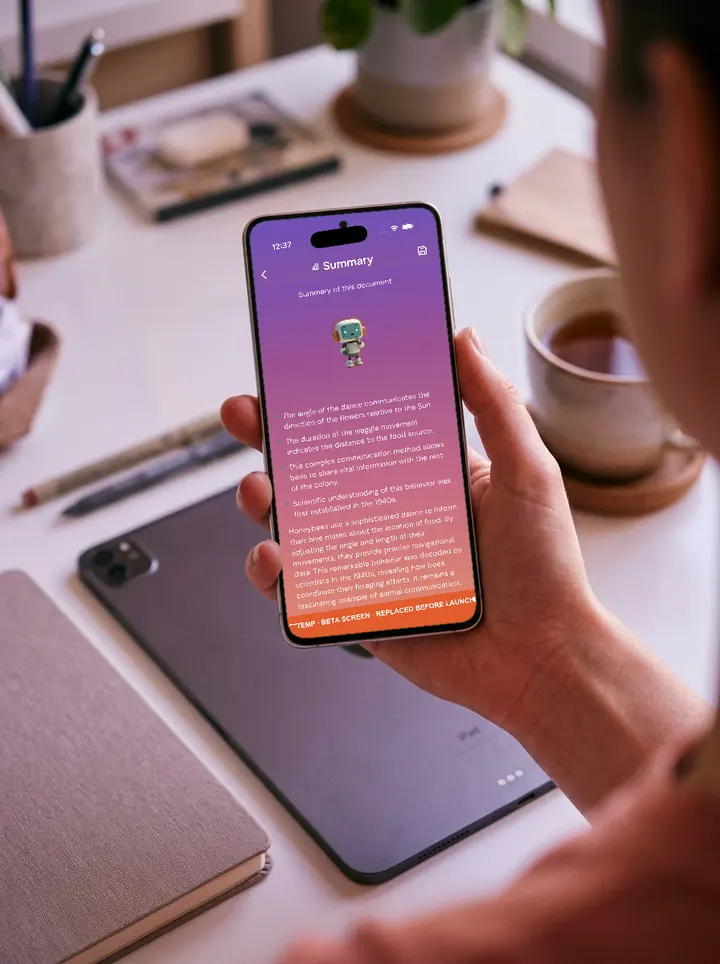
- Make a Summary. From a document, make a Summary: an introduction, five key messages and then a summary.
- Make a Quiz. Make a short Quiz on the same document to check what stuck.
- Save them. Saved Summaries and Quizzes have their own tabs in your library. You can also save to your own files, Obsidian or Notion. From the reader it saves the whole document; from a Summary it saves the summary.
Your account and devices
- Sign in. Use the same Aureley account in the app and on the website.
- Devices. Aureley works on iPhone, iPad and Android, and remembers where you left off on each. On Max you can use two devices. A web app is on the way.
- Delete your account. You can delete your account from inside the app. This permanently removes your account and saved audio. Subscribed through the App Store or Google Play? Cancel there too, because deleting your account doesn't stop their billing.
Still stuck?
Write to mail@solmedia.com.au. We read every email and reply within two working days.
New to Aureley? Get notified