
Get the app
Get Aureley, the text-to-speech app for iPhone, iPad and Android.
Aureley launches on Android on Sunday 15 November, with iPhone and iPad coming soon. Leave your email and we'll tell you when it's live.
One email when Aureley is live on Android, and one when it's on iPhone and iPad. Nothing else. Privacy notice


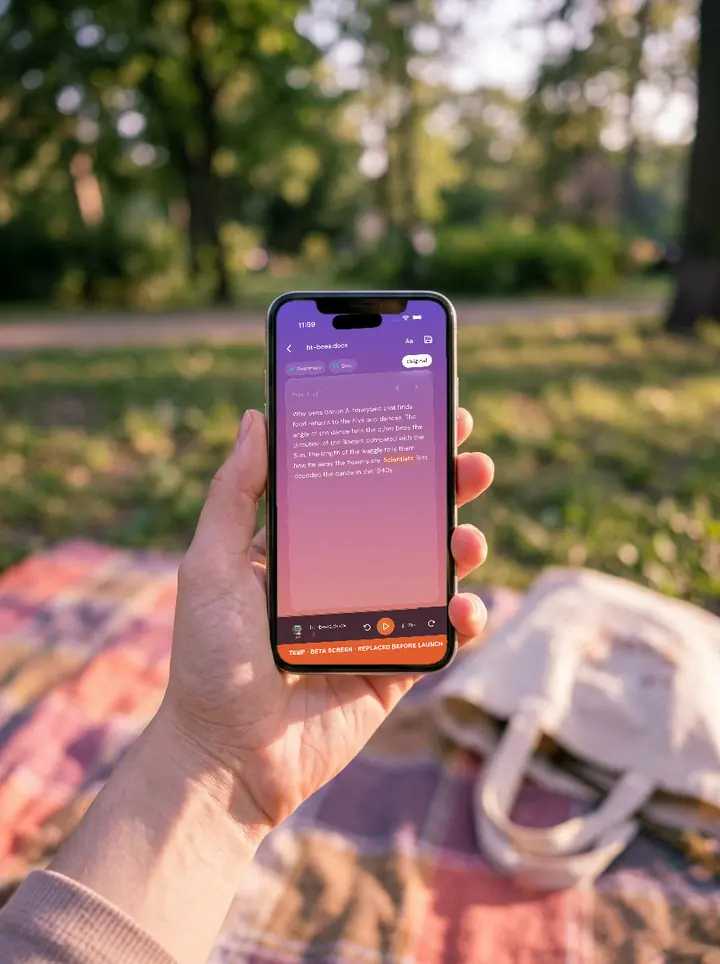
Aureley is a text-to-speech app that reads your documents aloud, with each word highlighted as it is read. You get unlimited listening in your built-in voice, the voice already built into your phone or tablet, on every plan. Choose a studio-quality natural voice whenever you want one.
How it starts
- Install Aureley from Google Play, or start your trial here first.
- Add a document. Share a PDF or Word file to Aureley, paste a web link, or paste text.
- Press play. Aureley reads it to you, with each word highlighted as it is read. A "Welcome to Aureley" document is waiting in your library if you'd like to hear how it sounds first.
What it reads
PDFs, Word documents, EPUB, RTF, Markdown, plain text, web links and pasted text. Video links, such as YouTube, aren't read.
Aureley reads documents in English, French, Italian, Spanish, German and Portuguese (Brazil).
Already started on the website?
Sign in to the app with the email you used at checkout. Your plan belongs to your account, not to the phone or tablet you bought it on.